
Choose the perspective
Pick a side-on, three-quarter, or high-angle camera and a production style that fits your game.
PromptA compact fox courier with orange fur, a teal scarf, a brown satchel, and a brass short sword in his left hand.
Describe a character or upload a reference. Spritekick keeps that identity, equipment, and camera consistent while it creates any action you need.
Pick a side-on, three-quarter, or high-angle camera and a production style that fits your game.
Add walk, run, jump, attack, and other animations one at a time. Every move uses the same character reference.
Preview the result, then choose your output format to plug into your game.
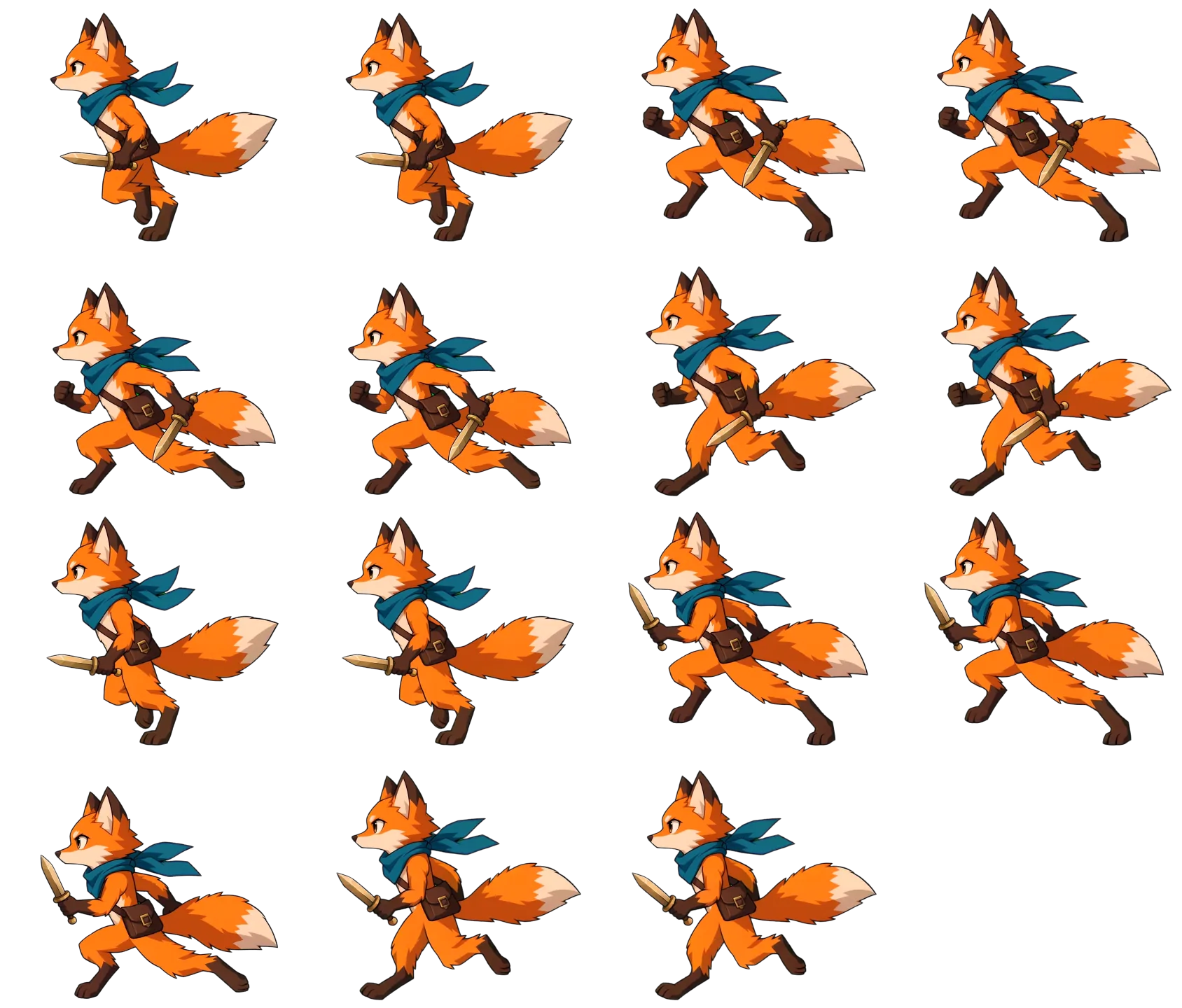
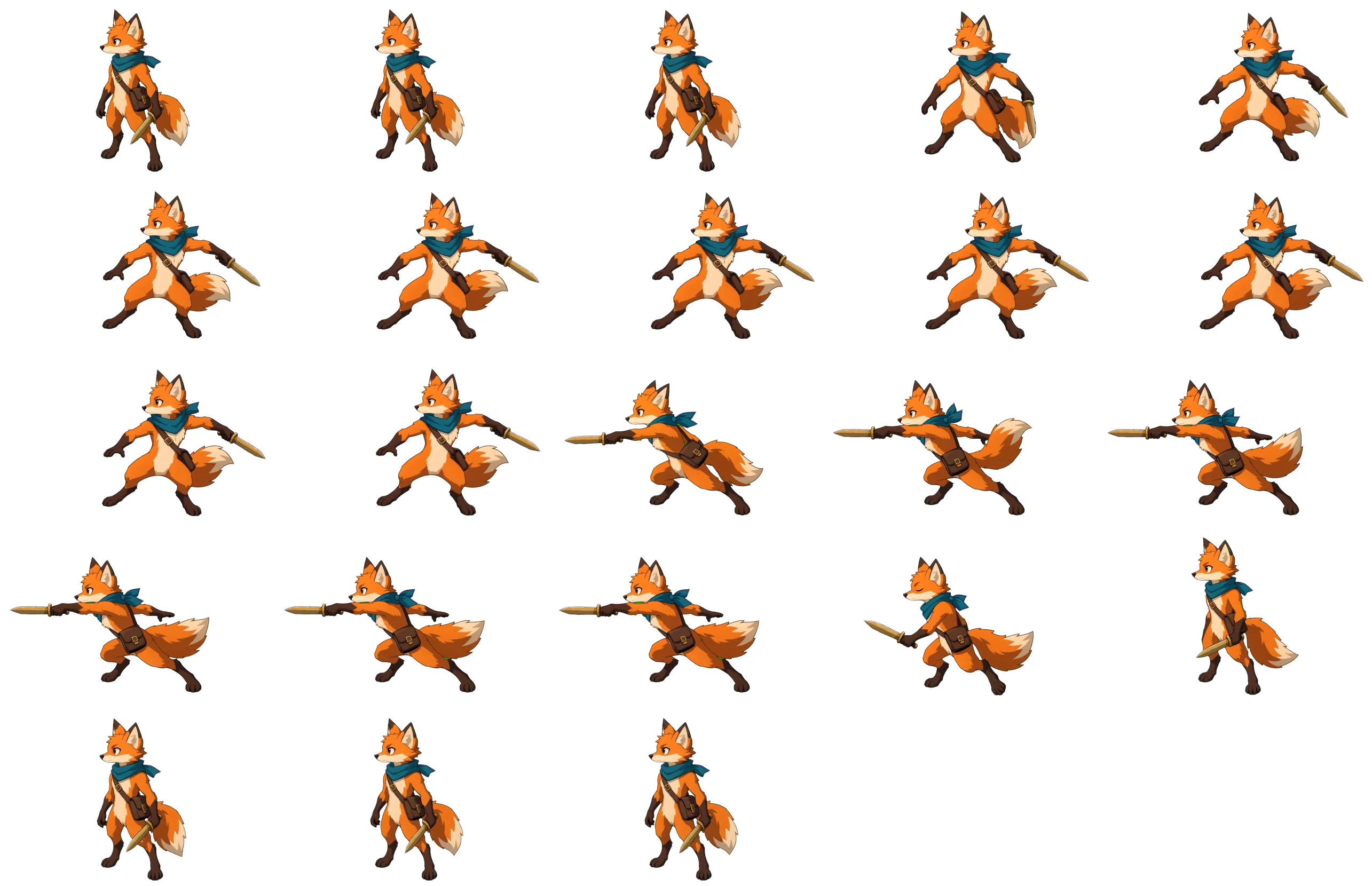
Everything our UI does, the Spritekick API does too. Give a coding agent one key and it can create a character and build the moveset for you to review.
curl https://spritekick.com/api/v1/characters \
  -H 'Authorization: Bearer YOUR_API_KEY' \
  -H 'Content-Type: application/json' \
  -d '{"name":"Kiko","description":"A fox courier",
       "orientation":"platformer","style":"pixel"}'

curl https://spritekick.com/api/v1/characters/ID/animations \
  -H 'Authorization: Bearer YOUR_API_KEY' \
  -H 'Content-Type: application/json' \
-d '{"pose":"walk","quality":"standard"}'Generate an API key and point your agent to the docs; no SDK to install and no client library to keep current.
An OpenAPI 3.1 contract gives every path, body, option, and response shape. Point an agent at it and it can call the API correctly without a human translating the docs.
Generation runs in the background. Each job started through the API emails your account when it finishes or fails, with a link straight to the result.
Spritekick creates a character concept first that feeds every result so the identity stays consistent throughout future generations.
Many users use it for quick prototyping, but our API is useful for studios that need assets at scale for larger buildouts.
Yes. Upload a reference image or describe the character in text. You must have the right to use any image that you upload.
No. Add idle, walk, run, jump, attack, or a custom action one at a time. This lets you spend time and tokens only on what the current project needs.
Export a transparent PNG sprite sheet or a ZIP of named frames with a manifest. You can choose the sprite size, frame rate, and trim without generating the animation again. Need something special? Ask us.
Yes. We make no claim to your output; you own the generated animations and sprite sheets, including commercial-use rights.